

Changes coming to our SWH Page
We’re rolling out updates to the SWH pages from early next week.
The new design aligns SWH with our existing PV and BSTC job pages, bringing across the same filters, job status views, and functionality you already use.
The page is designed to be self-explanatory, but the tips below may be helpful.
Walkthrough
Create SWH Jobs
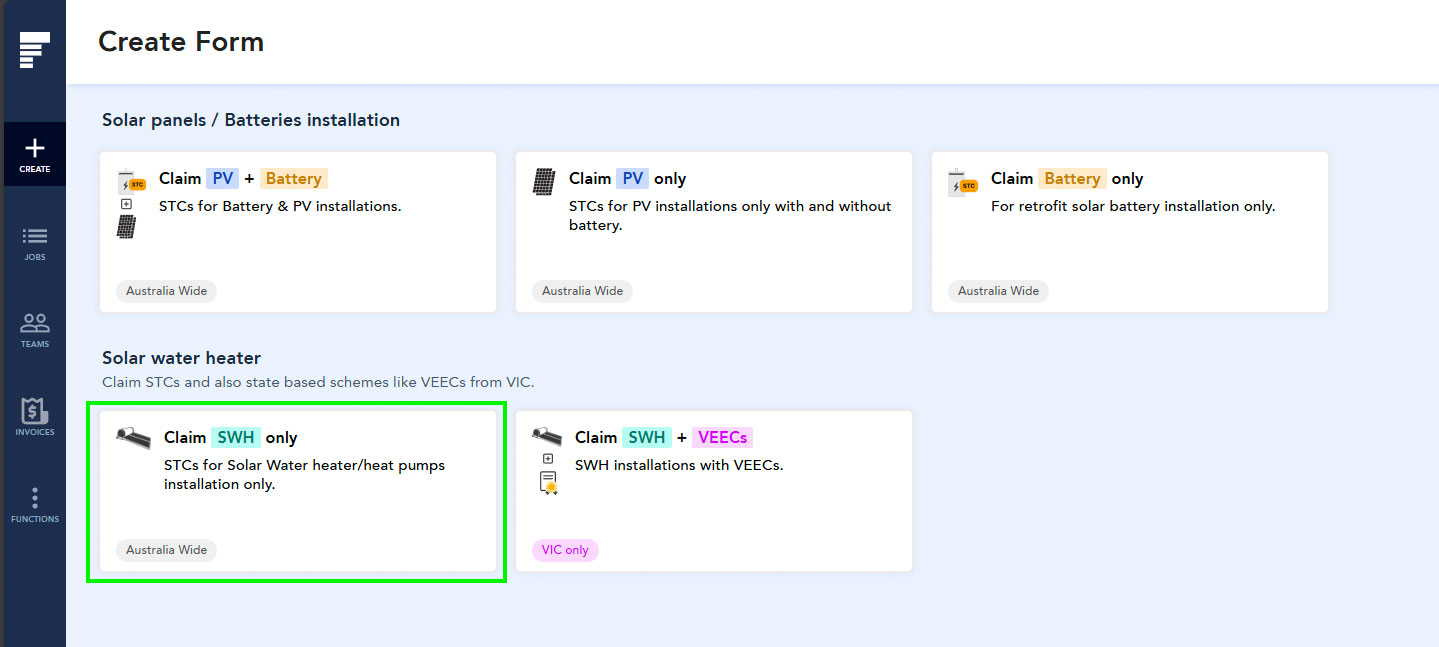
The create page now mirrors PV and BSTC pages.
Feedback from our initial retailers will directly inform how the service evolves ahead of broader availability.
Drafts and Templates
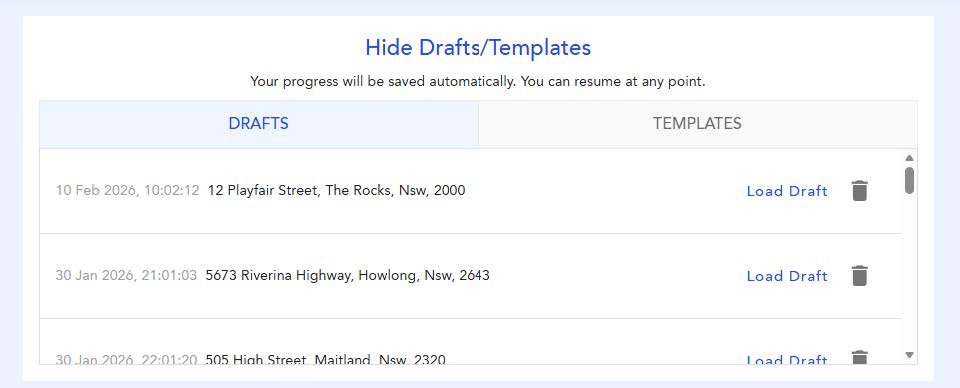
When you begin a job entry and don’t complete it, your work is automatically saved as a Draft. You can access your Drafts at any time to reopen the entry and continue where you left off, ideal for when you’re interrupted or need to gather additional information.
Use templates to avoid re-entering the same information each time you create a job. Templates allow you to pre-fill common details, making job creation faster and easier if you submit similar jobs regularly.
Address
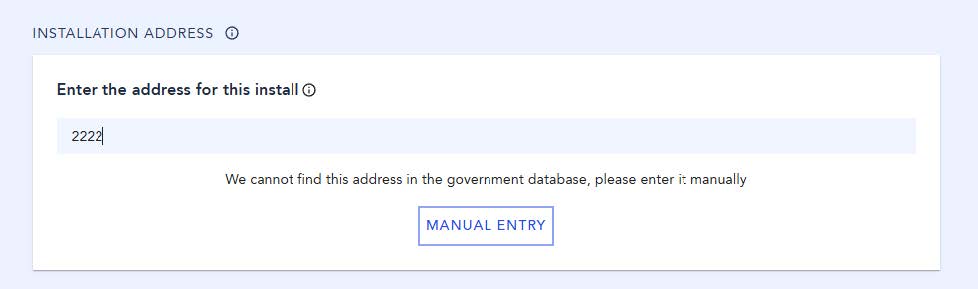
If the installation address doesn’t appear on the search, you have the option manually enter it.
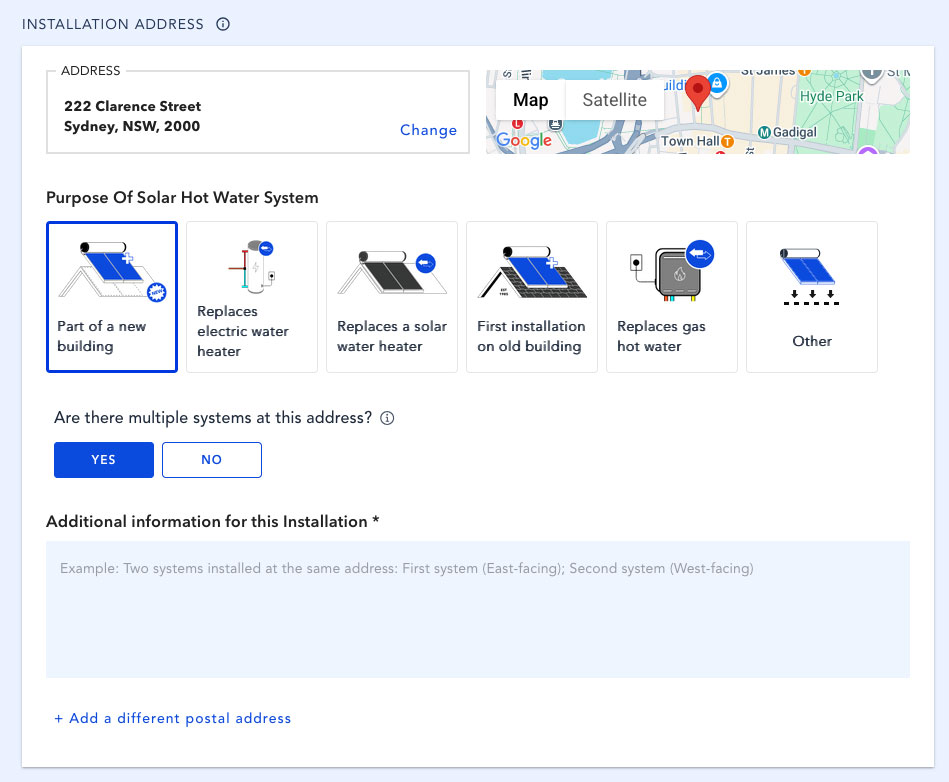
Installation Type
The CER requires additional notes whenever there are multiple systems onsite. Enter notes in the “Additional information” field to specify the location of each of the systems.
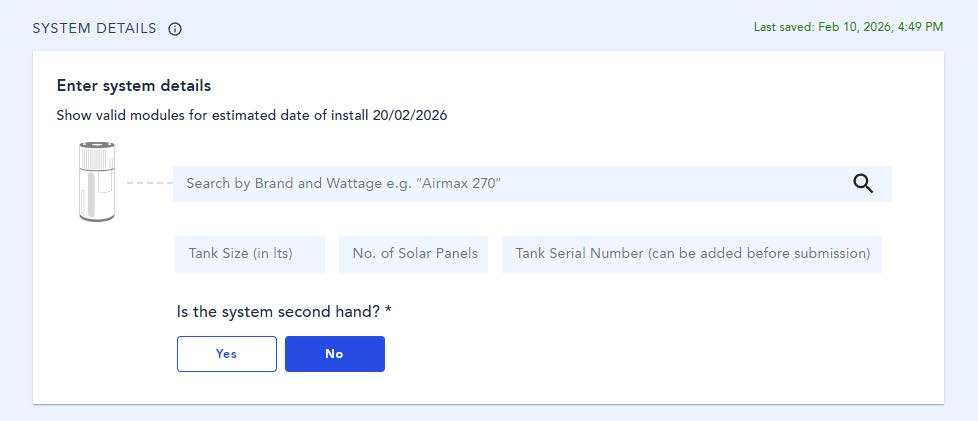
System details
Only one system can be entered per form. To claim multiple systems, create a new form for each installation.
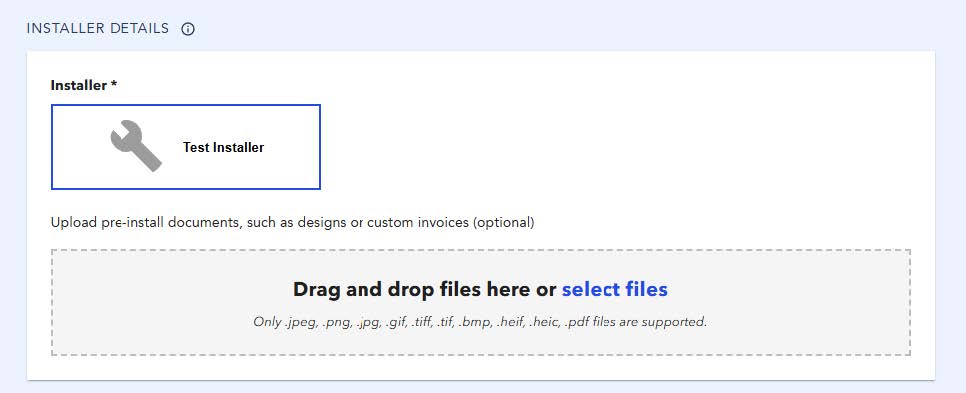
Installer
The installation can be signed off by either a licensed electrician or plumber. You only need to list one.
Additional Information
Use the Job Reference Number field to enter your internal reference. This allows you to search using that reference and makes it easier to find jobs later.
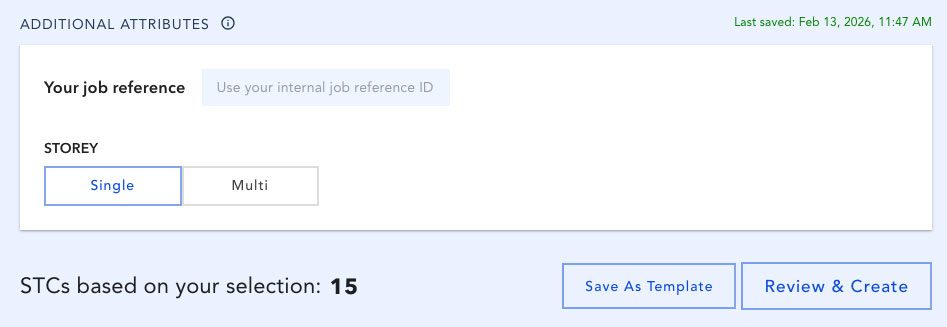
The Review and Create button will only become available once all required fields have been completed.
Walkthrough
SWH Job List
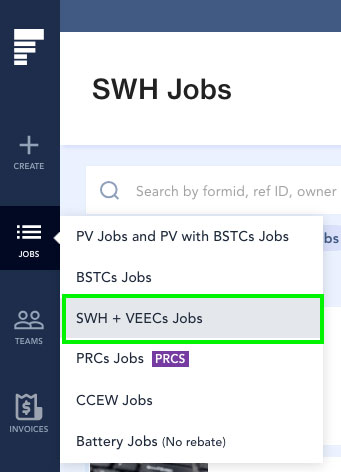
Job list menu
Access SWH jobs form the menu on the right-hand side of your screen.
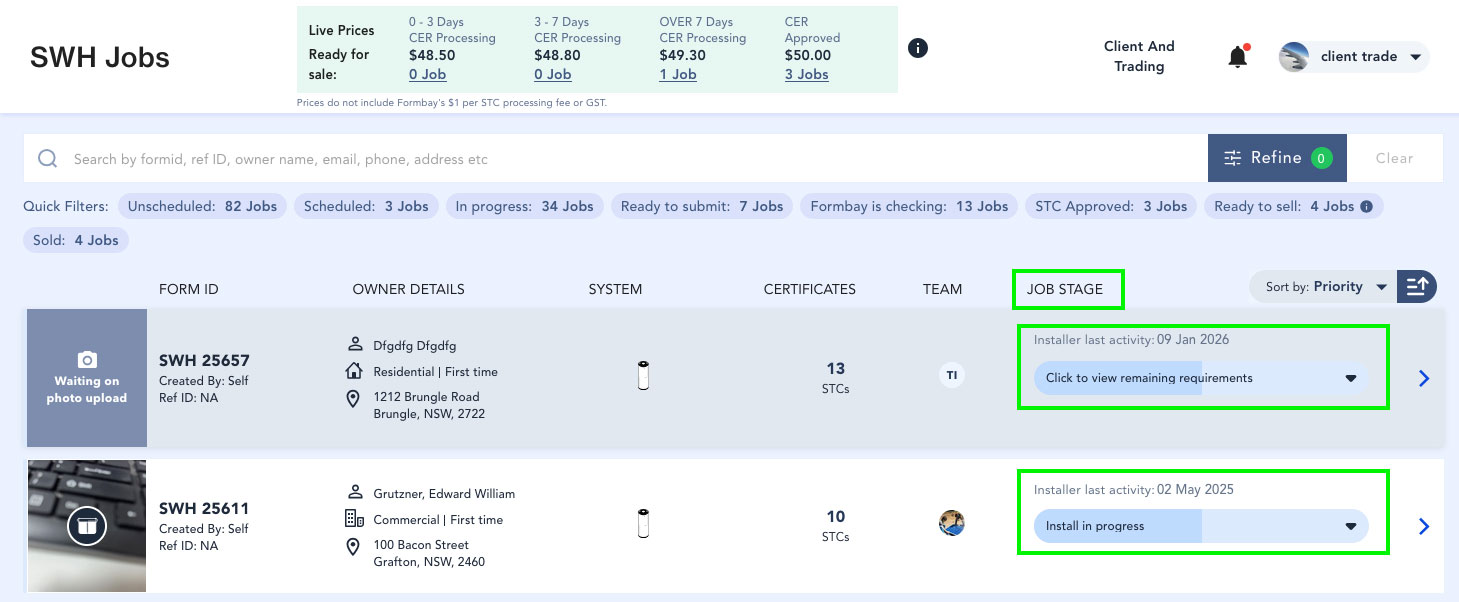
Job status bar
Check Job Stage to see the progress of your applications.
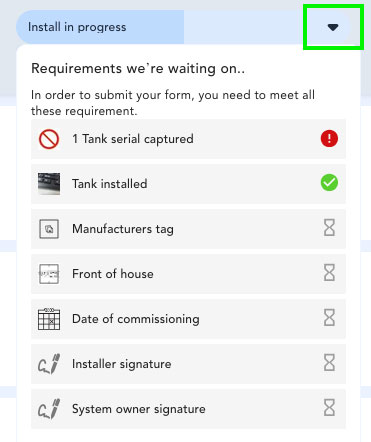
Click on the "Job Stage" bar to see pending requirements:
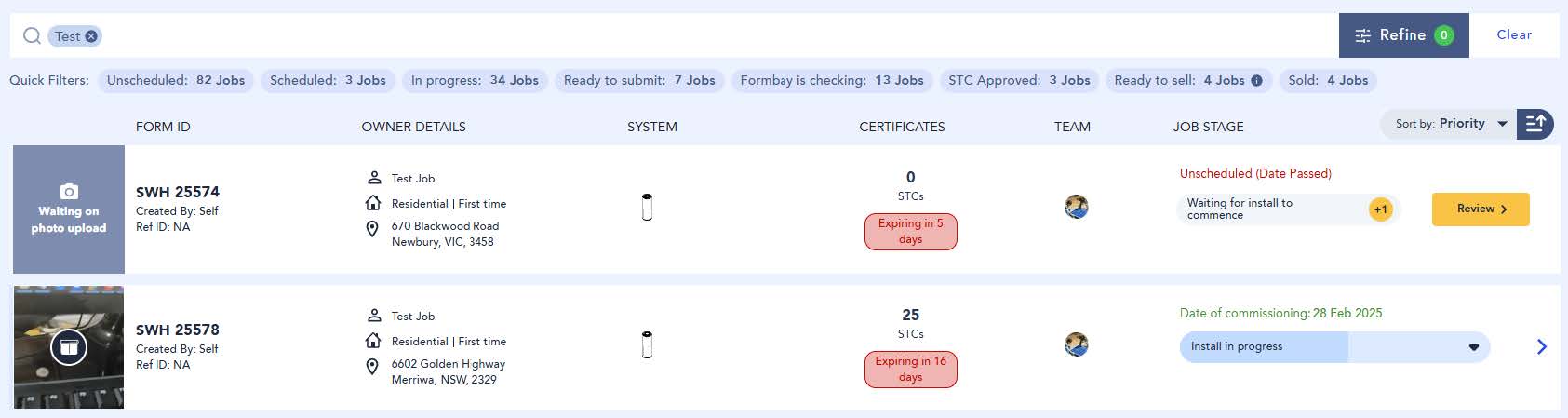
Filters
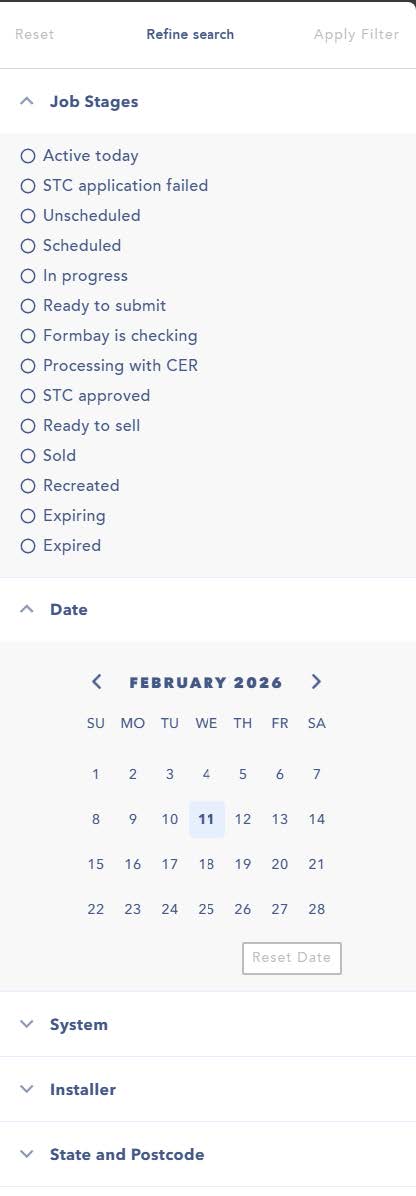
Use Quick Filters to navigate jobs by status. Select Refine to apply additional filters, or type a keyword into the search bar to find specific jobs.
Walkthrough
Edit and Job Details
Click on the blue arrow to edit your form.

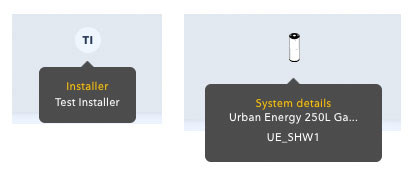
Hover over the ‘System’ icons to see the system model or technician selected to complete the job.