
Published: 19 January, 2026.
Changes coming to the Battery Job List
From early this week you will notice that your BSTC job list will now match the PV and BSTC job list in Formbay.
This is part of the work we're doing to improve your overall experience. All the filters and functions you are used to in PV will now be available for BSTCs.
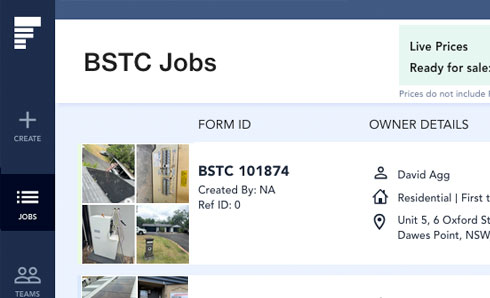
The updated design mirrors our other job pages, including familiar job status bars and filtering, so you can quickly find and manage the jobs that matter to you.
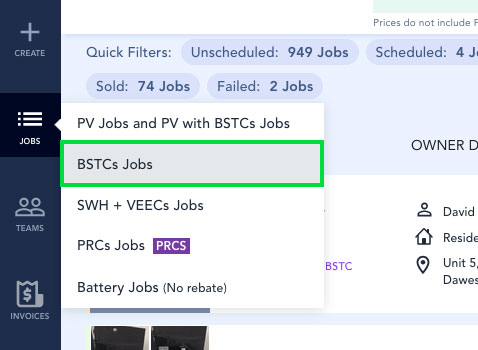
Job list menu
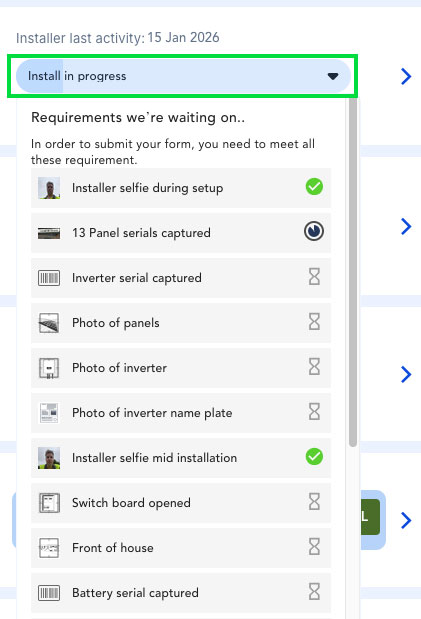
Job status bar
- Check Job Stage to see the progress of your applications
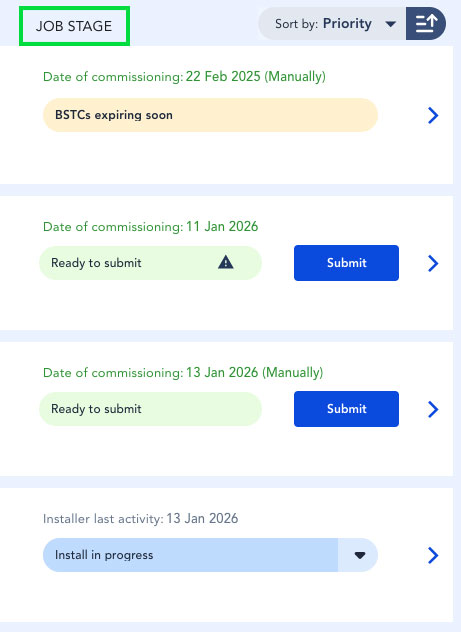
- Click on the "Job Stage" bar to see pending requirements:
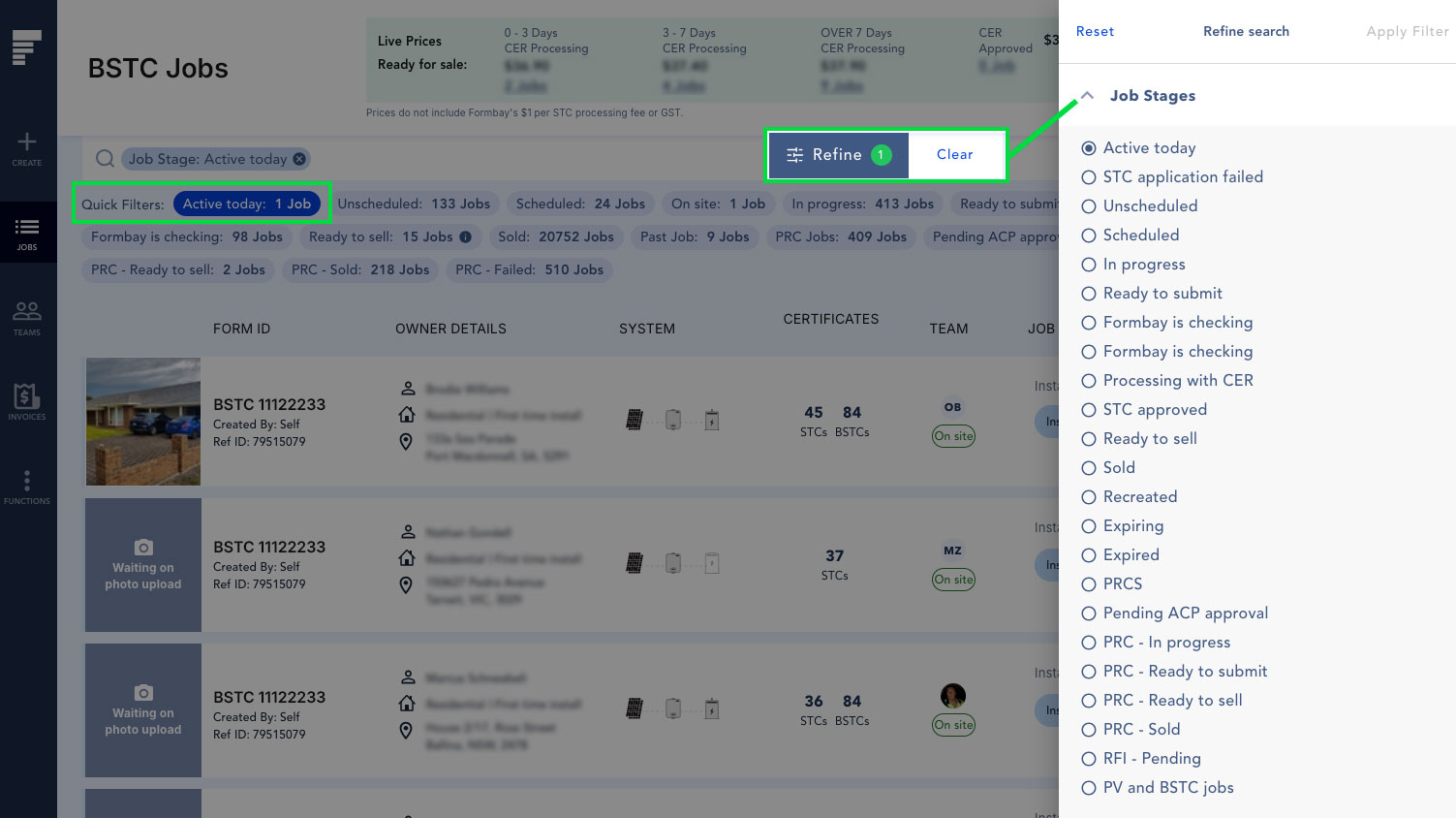
Filters
Edit and Job Details
- Click on the blue arrow to edit your form

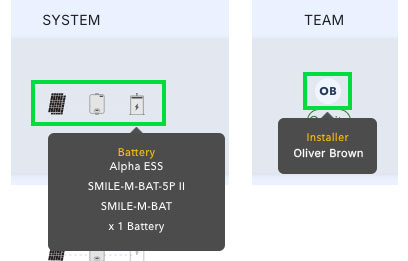
- Hover over the ‘System’ icons to see the battery model selected or technician selected to complete the job
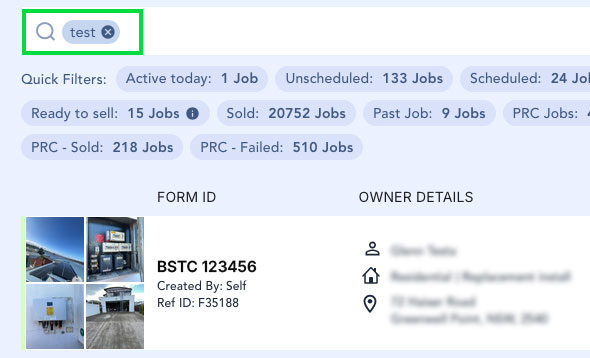
- You can look up jobs by client name, address, form ID, etc. You can also use your internal job refence ID to easily locate jobs: